Members
Checkout member creation and mapping checkout customer fields to ExpressionEngine member profile fields.
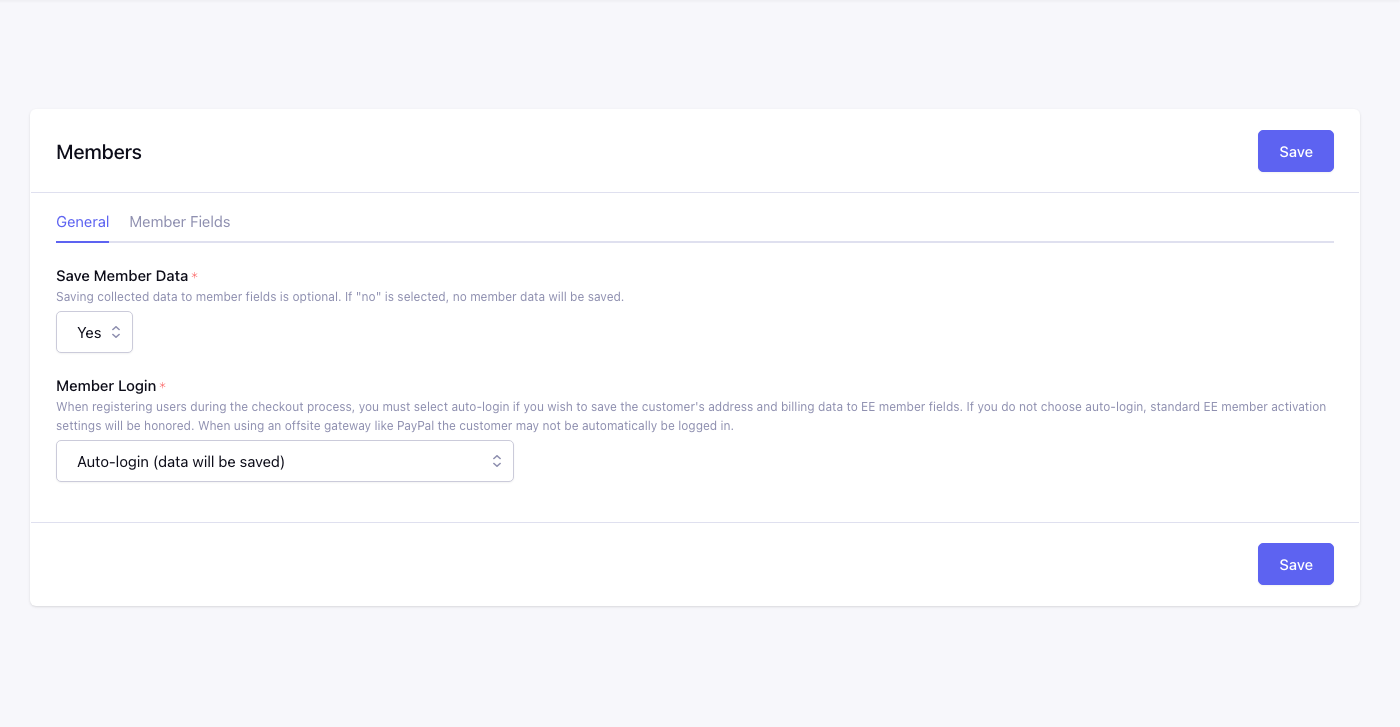
Tabs: General, Member Configuration.
General
Save Member Data*
Yes: mapped checkout fields update the member profile on checkout. No: checkout data is not written to member fields.
Checkout Registration Options*
| Option | Behavior |
|---|---|
| Auto-login (data will be saved) | New accounts are logged in immediately; address/billing can be saved to member fields |
| Require member account activation (data will not be saved) | Follows EE activation settings; profile data is not saved until activated |
Auto-login is required to persist checkout address data to member fields. Offsite gateways (e.g. PayPal) may not log the customer in even when auto-login is selected.
Use Profile:Edit (when installed)
When Profile:Edit is active, optionally route member data saving through Profile:Edit instead of direct member field updates.
Member Configuration
Maps CartThrob checkout field names to ExpressionEngine member fields (or built-in email). Only used when Save Member Data is Yes.
Each row is member_{field}_field → member field dropdown. Covers billing (first_name, last_name, address, city, state, zip, country, country_code, company, phone, email_address, region), shipping (shipping_* equivalents), language, and shipping_option.
Customer data is also available in templates via customer_info and save_customer_info_form.